

The All Possible Combinations Generator helps you quickly create every possible result from a list of items. By default, it generates all non-empty combinations, but you can switch modes to get permutations, combinations with repetition, or a cartesian product. It is built for real work: clean input parsing, clear totals, and fast export for large result sets.


Features
4 generation modes
- Combinations: order does not matter. “A, B” is the same as “B, A”. This is the default mode.
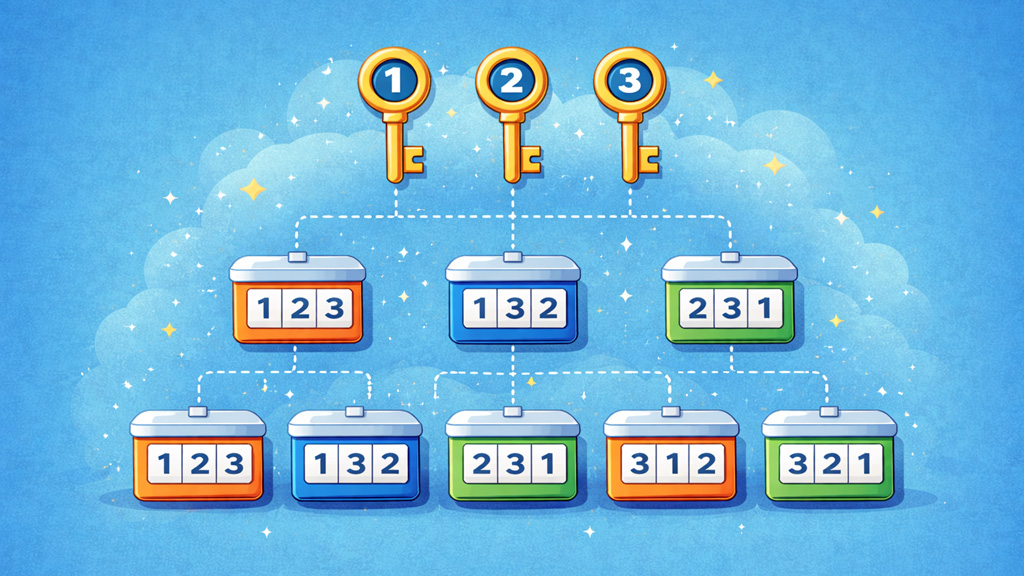
- Permutations: order matters. “A, B” and “B, A” are different results.
- Combinations with repetition: items can repeat, and order does not matter. This is useful for things like “pick k toppings”, “k digits with repeats”, or “k choices with replacement”.
- Cartesian product: you provide multiple lists, and the tool picks 1 item from each list in order. This is ideal for building SKUs, variants, names, option bundles, and structured data rows.
Default generates all combinations
In Combinations mode, the default “All lengths (1..n)” generates every non-empty subset of your items. That means you get singles, pairs, triples, and up to the full set. If you only want results of one exact size, switch Result length to “Exact k”.
Easy input, clean parsing
- Paste items one per line, or paste a comma-separated list.
- Choose “Split items by” to control parsing: auto, new lines, commas, or semicolons.
- Trim spaces removes accidental leading and trailing whitespace.
- Ignore empty lines keeps the list clean when you paste messy data.
- Remove duplicate items prevents repeated values from inflating results.
Output formatting you can control
- Separator (single-list modes) controls how items are joined inside one result, for example “, ” or ” | “.
- Prefix and Suffix are added to every generated line, helpful for wrapping values into templates.
- Cartesian product can export as TXT (one result per line) or CSV (one column per list). CSV is best when you plan to open results in Excel or Google Sheets.
Totals and smart previews
- Total possible results shows the real mathematical total for your current settings.
- Will generate shows how many results the widget will actually generate in one run.
- Preview output displays the first portion of the generated results for fast inspection, without freezing the page.
Controls for big jobs
- Generate starts a run.
- Pause and Resume help you manage large exports without losing progress.
- Stop safely cancels the run.
- Copy copies the generated output when it is small enough for clipboard reliability.
- Download exports the generated output to a file so you can use it anywhere.
- Clear resets the output area so you can start fresh.
Performance guardrails
To keep your browser responsive, the generator caps each run to 5,000,000 lines. If the total is larger, the tool generates the first 5,000,000 results and tells you so. For huge totals, use Exact k, reduce the number of items, or switch to a mode that produces fewer results.
Frequently Asked Questions
What is the difference between combinations and permutations?
Combinations ignore order: selecting A and B is the same as selecting B and A. Permutations treat order as unique: A then B is different from B then A. If you care about arrangements, use permutations. If you only care about the set of chosen items, use combinations.
What does “All lengths (1..n)” mean?
It generates results of every size using your list: 1 item, 2 items, 3 items, and so on up to all items. For combinations, that means every non-empty subset. For permutations, it means every possible ordered sequence of any length.
Why does “Permutations + All lengths” get huge so fast?
Because order multiplies the count. With 10 items, you are not just getting pairs and triples, you are generating many ordered sequences across multiple lengths, which grows extremely quickly. If you only need a specific size, use Exact k.
When should I use combinations with repetition?
Use it when the same item can appear multiple times in one result, like “choose 4 digits where repeats are allowed” or “pick k scoops from flavors where you can repeat a flavor”. If repeats are not allowed, use combinations or permutations instead.
What is a cartesian product in plain terms?
It is “pick one from each list”. If you have Colors and Sizes, the cartesian product creates every Color + Size pair. Add a third list like Material and it generates every Color + Size + Material combination.
Why does the tool remove duplicates, and should I turn that off?
Duplicate items can create repeated results and inflated totals, especially in combinations and permutations. If duplicates are accidental, keep it on. If duplicates are meaningful in your data, turn it off and keep items distinct, for example by adding tags like “Red (A)” and “Red (B)”.
Why is there a 5,000,000 result cap?
Generating and holding extremely large outputs can freeze a browser tab or crash on memory. The cap keeps the tool reliable for most real-world jobs. If you need more than the cap, reduce the input, generate in smaller batches with Exact k, or use a server-side workflow for very large enumerations.
CalcuLife.com









Leave A Comment