

This Countdown To Date Calculator helps you count down to any exact date and time. It works for birthdays, trips, weddings, launches, school dates, appointments, deadlines, holidays, payments, events, and any other moment you want to track. Enter the target date, leave the time at the default 12:00 AM or set an exact time, then calculate the countdown.
Countdown To Date Calculator
Count down to any date, event, birthday, trip, launch, appointment, or deadline.
Enter a target date and time to see a live visual countdown. The target time defaults to 12:00 AM, but you can change it to any exact time.
Time remaining
Untitled event
Target date will appear here
Upcoming
Target time will appear here
Current time will appear here
0 days
0 hours
0 minutes
0 seconds
Local browser time zone


The result is displayed as a visual live countdown with separate blocks for days, hours, minutes, and seconds. It also shows the target time, current time, total remaining days, total hours, total minutes, total seconds, and the local time zone used for the calculation.
How to use the calculator
- Enter an optional event name, such as Birthday, Vacation, Exam, Wedding, Launch, or Deadline.
- Choose the target date.
- Set the target time. It defaults to 12:00 AM, which means the countdown points to the start of that date.
- Leave Update countdown live checked if you want the timer to keep changing every second.
- Click Calculate Countdown.
What the results show
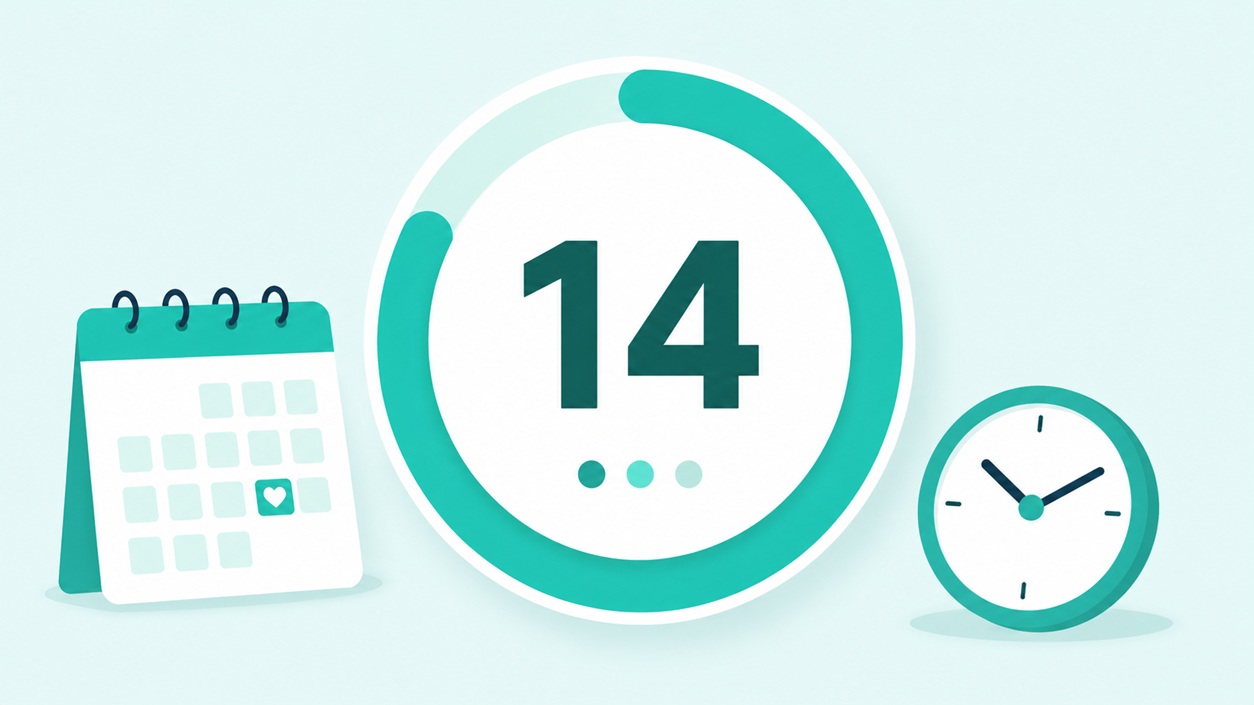
The main result area shows a large visual countdown. The four circular countdown blocks display the remaining days, hours, minutes, and seconds. The progress line below the countdown gives a simple visual sense that the target time is getting closer.
- Status: Shows whether the countdown is still upcoming or complete.
- Target time: Shows the exact date and time you selected.
- Current time: Shows the current local time used in the calculation.
- Total days: Shows the remaining time as decimal days.
- Total hours: Shows the remaining full hours.
- Total minutes: Shows the remaining full minutes.
- Total seconds: Shows the remaining full seconds.
- Time zone used: Shows the browser or device time zone used for the countdown.
Live countdown display
When the live update option is turned on, the countdown refreshes every second. This is useful when you want to keep the page open and watch the time count down in real time, such as before a launch, trip, exam, online event, livestream, sale, or deadline.
Celebration when the countdown reaches zero
When the target time is reached, the calculator stops counting down and switches to a completion screen. Instead of counting how long it has been since the date passed, it shows a Target reached message with confetti, fireworks, sparkles, glowing countdown cards, and a completed progress line.
This makes the tool feel better for real events where the goal is to reach a moment.
Examples of what you can count down to
| Use case | How to set it up |
|---|---|
| Birthday or holiday | Choose the date and leave the time at 12:00 AM if you want to count down to the start of the day. |
| Flight or trip | Choose the travel date and enter the exact departure time shown by the airline. |
| Deadline | Choose the deadline date and enter the exact cutoff time. |
| Online event or livestream | Choose the event date and enter the scheduled start time. |
| Exam or appointment | Choose the date and enter the exact appointment or exam time. |
| Product launch or sale | Choose the launch date and exact start time. |
Local time zone note
This calculator uses the time zone from your browser or device. That makes it convenient for personal countdowns, but it also means that events in another time zone should be checked carefully. For flights, legal deadlines, medical appointments, school deadlines, paid events, livestreams, and official schedules, always confirm the time with the source that issued the event.
Countdown tips
- For an all-day event, use 12:00 AM to count down to the beginning of that date.
- For a specific event, enter the exact time instead of leaving the default.
- Keep live update on if you want a real-time countdown.
- Use the event name field to make the result easier to read.
- Check the time zone if the event is happening in another city, state, or country.
CalcuLife.com










Leave A Comment