

Run three online reaction time and attention tests: Test A (geometric figures + color), Test B (left vs right shapes), Test C (digit cue). Records accuracy and RT stats with per-stimulus results, adjustable trials/deadlines/intervals, and CSV export. Made for training before taking actual tests to get a job, for research, hiring, and to compete with friends.
Geometric Figures And Color Reaction Test A
Press F for: black circle, gray circle, white star, white square. Press J for: black triangle, gray triangle, black star, black square.
Overview
- Random figure appears in the center.
- Respond by keyboard only: F or J.
- Speed and accuracy are recorded.
Parameters
- Trials: number of figures in the main test.
- Stimulus size (px): figure size in pixels.
- Deadline (ms): max time to respond; after that counts as a miss.
- ISI (ms): gap between figures.
Results
- Accuracy: correct / total.
- Mean/Median RT: reaction time for correct responses (ms).
- Std Dev, P10/P90: RT spread.
- By key: F/J usage and mean RT.
- By stimulus: accuracy and mean RT per figure type.
Geometric Figures Reaction Time Screening – Test B (Left vs Right)
F for any LEFT-group figure. J for RIGHT-group figure.
Overview
- One white figure on gray field. Outline is black.
- Press F for LEFT group. Press J for RIGHT group.
- Speed and accuracy recorded.
Parameters
- Trials — number of figures in the main test.
- Stimulus size (px) — figure size.
- Deadline (ms) — max time to respond; late = miss.
- ISI (ms) — gap between figures.
Results
- Accuracy — correct/total.
- Mean/Median RT — ms for correct responses.
- Std Dev, P10/P90 — spread of RTs.
- By key — F/J counts and mean RT.
- By stimulus — per-figure accuracy and mean RT.
Color Recognition Reaction – Test C (Digit Cue)
Press the digit that turns red: 1, 2, 8, or 9.
Overview
- One of 1, 2, 8, 9 turns red.
- Press the same digit. RT is measured.
Parameters
- Trials — number of cues in the main test.
- Digit size (px) — font size.
- Cue interval (ms) — fixed delay before each new red digit (≈500 by default).
Results
- Accuracy — correct/total.
- Mean/Median RT — correct trials (ms).
- Std Dev, P10/P90 — RT spread.
- By key — counts and mean RT per digit.


Who uses these tests
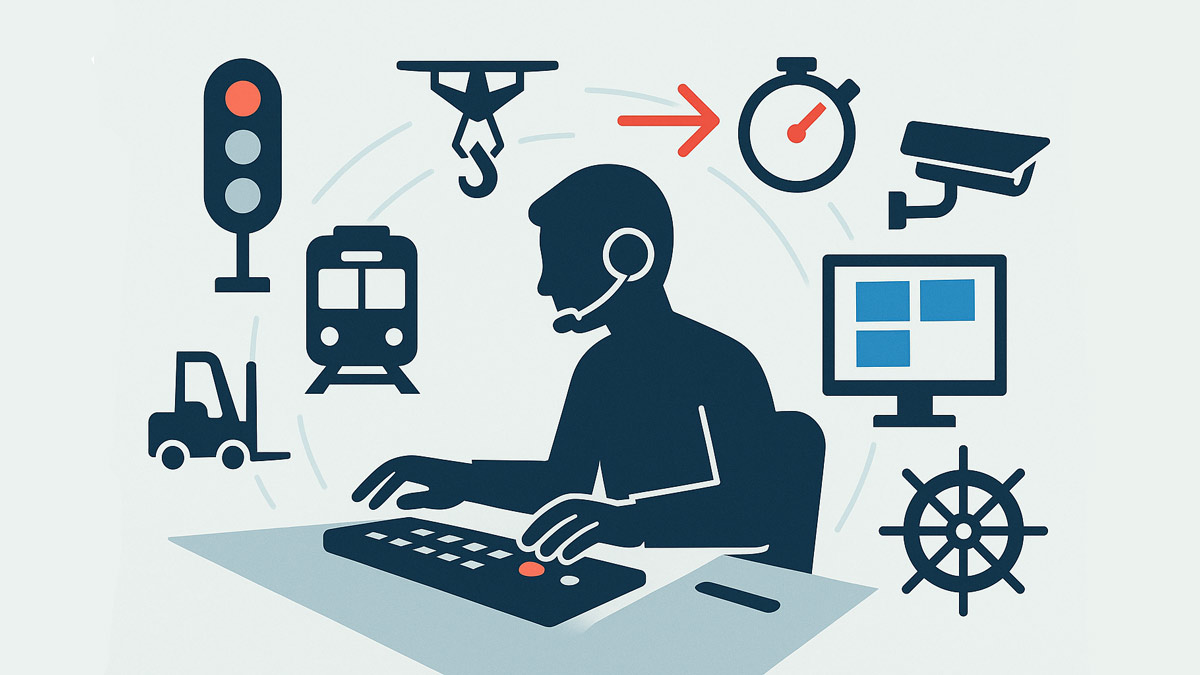
- Rail, metro, tram, bus, and truck operators; taxi/rideshare screening.
- Industrial and logistics roles: crane/forklift, machine/process operators, warehouse pickers.
- Aviation and drone operations; maritime watchkeeping.
- Emergency services and dispatch, security and CCTV monitoring, control rooms.
- Sports and esports training; rehabilitation and occupational therapy.
- Human factors, UX, and academic research requiring simple choice-RT tasks.
Administration basics
- Hardware: external keyboard preferred; single monitor; stable internet.
- Environment: quiet room, consistent lighting, full-screen browser, no notifications.
- Instructions: one short practice block before the main block.
- Scoring output: accuracy, detailed reaction-time stats (mean, median, SD, percentiles), per-stimulus breakdown, CSV export.
- Fair use: keep parameters consistent across candidates; document settings in the CSV.
Geometric Figures And Color Reaction Test A
This task measures two-choice reaction time under a cross-feature rule (shape + color). It stresses selective attention, rule retrieval, and response selection while keeping motor demands minimal. Because the rule binds features, it penalizes impulsive responding and weak mapping memory more than simple single-feature tasks.
How to use it well. Keep instructions concise, run one short practice, then a 20–60 trial block. Use identical hardware and a fixed viewing distance when comparing people or sessions. If decisions are near-chance, simplify (larger stimuli or longer deadline). If accuracy is saturated at 100% with slow RT, shorten the deadline or reduce ISI to increase time pressure.
What to read from the CSV. Use median RT for correct trials as the primary latency metric; use accuracy and miss rate as control metrics. Inspect per-figure rows to spot asymmetric learning of the mapping (e.g., triangles vs circles). Filter out anticipations by excluding RT <120 ms when computing medians if needed; the raw file includes each trial with timestamps.
When it fits. Screening where rapid application of a simple rule matters (vehicle operations, dispatch, supervision), baseline choice-RT in research, and training blocks to track day-to-day variability or fatigue.
Geometric Figures Reaction Time Screening – Test B (Left vs Right)
Test B focuses on category decision speed with closely related geometric families and lateral lean. The single mapping boundary (LEFT group vs RIGHT group) makes it sensitive to perceptual discrimination and to consistent response selection without adding extra working-memory load.
Design notes. Figures have crisp edges and high contrast to minimize low-level visibility issues; difficulty is controlled mainly by stimulus size and time constraints. Because only one category is assigned to the right-leaned shape, the stimulus frequency is intentionally imbalanced—use per-stimulus accuracy/RT to check that participants are not defaulting to one key.
Analysis tips. Look for speed–accuracy trade-offs: a drop in errors with a large RT increase usually indicates cautious responding rather than improved processing. Plot RT across trial index (or review percentiles) to check for fatigue or warm-up; a rising median or widening P90 suggests drift. Compare only runs with the same size/deadline/ISI.
Use cases. Roles requiring rapid visual categorization from minimal cues (monitoring, CCTV, quality control), pre/post training checks, and experiments on lateralized shape perception without color confounds.
Color Recognition Reaction – Test C (Digit Cue)
Test C is a fixed-choice vigilance and detection task. Four digits are displayed continuously; on each trial one digit turns red on a steady rhythm (≈500 ms cadence), then the display waits for the keypress. This isolates monitoring and selection latency with minimal memory demands.
Tuning. Keep the interval at 400–700 ms for screening. Longer intervals reduce time pressure and inflate RT; shorter intervals increase misses if the deadline is tight. Font size mainly affects legibility; use it to accommodate viewing distance rather than to adjust difficulty.
Reading results. Report median RT (correct) and accuracy. Use per-digit means to spot key-position bias (e.g., outer digits faster on some keyboards). If false keys cluster on one digit, the participant may be pre-empting rather than monitoring.
Applications. Vigilance checks for operators and dispatch, warm-ups in cognitive training, and simple sustained-attention baselines in UX or HCI studies.
Interpreting results
Prioritize accuracy first, then latency. For qualified performance, require accuracy above a preset threshold (e.g., ≥90%) before comparing RTs. Use medians and percentiles (P10–P90) rather than only means to reduce outlier impact. Compare sessions on identical parameters and hardware; do not compare across devices with different input latency. For reliability, collect two short blocks separated by 1–2 minutes and average the medians. Use per-stimulus breakdowns to detect asymmetric learning or guessing.
Operational and compliance notes
Standardize environment (lighting, noise, chair height, screen distance) and require practice before testing. Log the chosen parameters with the CSV for auditability. If used in hiring, validate locally on incumbent performers, document cut-score logic, and apply identically across candidates under equal-opportunity guidelines. Treat exports as personal data where applicable and follow your retention policy.
CalcuLife.com






Leave A Comment